Find Lost Google Earbuds
Google Pixel Buds and Pixel Watch work with Find My Device on Android. But if they're dead or you're on iOS, Google's native tools won't help — EarBuddy scans for the raw BLE signal.
What About Find My Device?
Google's native find solution, Find My Device, has limitations. It typically requires an active connection or only shows last known location. EarBuddy scans for the raw BLE signal in real-time — no pairing, no account, no connection needed.
Google Earbuds We Support (2)
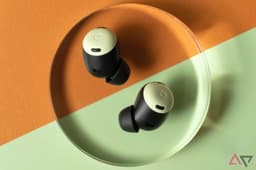
Pixel Buds Pro 2
Lost your Google Pixel Buds Pro 2? Find My Device only shows last location. Use EarBuddy for real-time Bluetooth scanning on any phone.
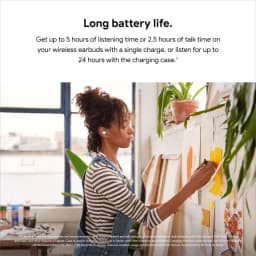
Pixel Buds A-Series
Lost your Google Pixel Buds A-Series? Find My Device only shows last location. Use EarBuddy to scan for their Bluetooth signal in real-time.
Find Your Google Earbuds Now
Download EarBuddy and start scanning for your Google device in seconds. Works on all Google Bluetooth products.
Download EarBuddy to Find Your Google