
Find Lost Samsung Earbuds
Samsung Galaxy Buds are the most popular Android earbuds. SmartThings Find requires a Samsung account and a connected Galaxy phone — EarBuddy works without either.
What About SmartThings Find?
Samsung's native find solution, SmartThings Find, has limitations. It typically requires an active connection or only shows last known location. EarBuddy scans for the raw BLE signal in real-time — no pairing, no account, no connection needed.
Samsung Earbuds We Support (5)

Samsung
Galaxy Buds 3 Pro
Lost your Samsung Galaxy Buds 3 Pro? EarBuddy scans for their BLE signal on any phone — no Samsung account or Galaxy phone required.
Samsung
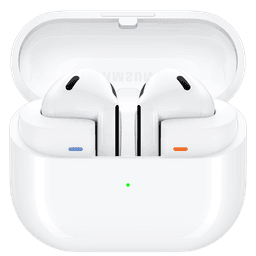
Galaxy Buds 3
Lost your Samsung Galaxy Buds 3? Use EarBuddy to detect their Bluetooth signal from any phone — no Samsung Galaxy device required.
Samsung
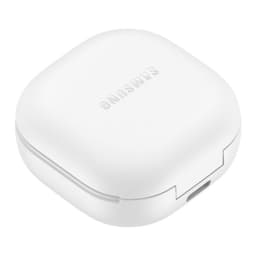
Galaxy Buds 2 Pro
Lost your Samsung Galaxy Buds 2 Pro? EarBuddy detects their BLE signal in real-time — works even when SmartThings shows only last known location.
Samsung
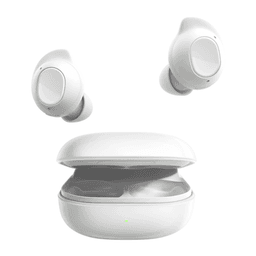
Galaxy Buds FE
Lost your $99 Galaxy Buds FE? Don't need a Samsung phone to find them — EarBuddy scans for their Bluetooth signal from any device.
Samsung
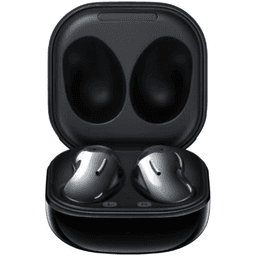
Galaxy Buds Live
Lost your Samsung Galaxy Buds Live? Their bean shape makes them hard to spot. Use EarBuddy's Bluetooth scanner to track the signal and find them.
Find Your Samsung Earbuds Now
Download EarBuddy and start scanning for your Samsung device in seconds. Works on all Samsung Bluetooth products.
Download EarBuddy to Find Your Samsung