
Find Lost Apple Earbuds
Apple's AirPods line dominates the wireless earbuds market. While Find My works when AirPods are online, EarBuddy can detect their BLE signal even when disconnected from your iCloud account.
What About Find My?
Apple's native find solution, Find My, has limitations. It typically requires an active connection or only shows last known location. EarBuddy scans for the raw BLE signal in real-time — no pairing, no account, no connection needed.
Apple Earbuds We Support (4)

Apple
AirPods 4
Lost your Apple AirPods 4? Use EarBuddy's Bluetooth scanner to detect the BLE signal and track them down — even when Find My can't help.

Apple
AirPods 3rd Generation
Lost your AirPods 3? EarBuddy's Bluetooth radar detects the BLE signal from your AirPods 3rd Generation even when they're disconnected from your iPhone.
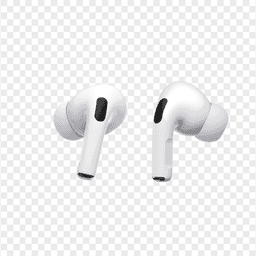
Apple
AirPods Pro 2
Lost your $249 AirPods Pro 2? Use EarBuddy to scan for their Bluetooth signal in real-time — works even without Precision Finding or U1 chip.
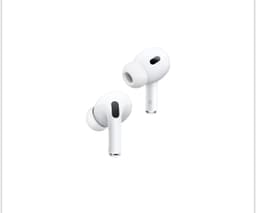
Apple
AirPods 2nd Generation
Lost your AirPods 2nd Generation? They lack Precision Finding — use EarBuddy's real-time Bluetooth scanner to track the signal and find them.
Find Your Apple Earbuds Now
Download EarBuddy and start scanning for your Apple device in seconds. Works on all Apple Bluetooth products.
Download EarBuddy to Find Your Apple