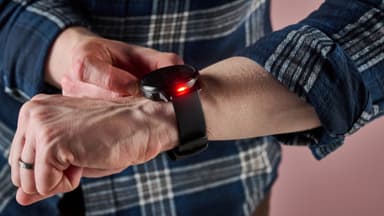
How to Find Your Lost Garmin Venu 4 in Minutes
The Garmin Venu 4 features an AMOLED display and 10-day battery life that keeps its BLE 5.2 signal active for well over a week when lost — giving you a far larger search window than any Apple Watch or Pixel Watch. Garmin's user base tends to remove their watches at specific points during the day: before showering, during cooking, and while charging — creating predictable loss locations around bathrooms, kitchens, and nightstands. EarBuddy detects the Venu 4's consistent BLE signal at 30 feet, and its 5 ATM water resistance means it will survive being left near a sink or pool indefinitely.
Venu 4 Bluetooth Specs
Bluetooth Version
BLE 5.2
Detection Range
30 feet indoors
Battery Life
10 days smartwatch, 26 hours GPS
Weight
48g
Water Resistance
5 ATM
Price
$449
Release Year
2025
Why Garmin Connect Can't Find Your Venu 4
Garmin Connect shows last synced location, but it's based on when your phone last connected — not real-time tracking. There's no way to ring or scan for the watch.
Step-by-Step: Find Your Garmin Venu 4 With EarBuddy
Your Venu 4 uses BLE 5.2, broadcasting at 2.4 GHz with a typical range of 30 feet indoors. With up to 10 days smartwatch, 26 hours GPS of battery life, there's a good chance it's still transmitting. Here's how to track it down:
Check Garmin Connect for the last synced location.
Go to that area and open EarBuddy.
Start scanning — Garmin watches emit a strong BLE signal.
Follow the signal strength as you search.
Check gym bags, locker room shelves, and nightstands.
Ready to Find Your Venu 4?
Download EarBuddy and start scanning in seconds. The Bluetooth radar works with all BLE devices — no pairing required.
Download EarBuddy to Find Your GarminFrequently Asked Questions
Does Garmin have a find my watch feature?
How long does Garmin Venu 4 emit Bluetooth when lost?
Find Other Devices

Garmin
Fenix 8
Lost your $899 Garmin Fenix 8 on a hike? Garmin Connect can't scan for it. Use EarBuddy's Bluetooth radar to detect the signal and recover it.
Garmin
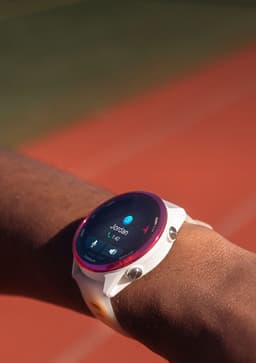
Forerunner 570
Lost your Garmin Forerunner 570 at the gym or track? Garmin has no find feature. Use EarBuddy's Bluetooth scanner to locate it fast.
Garmin
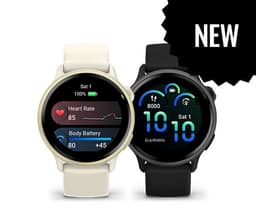
Vivoactive 6
Lost your Garmin Vivoactive 6? No find feature in Garmin Connect. Use EarBuddy to scan for the Bluetooth signal and track it down.
Apple
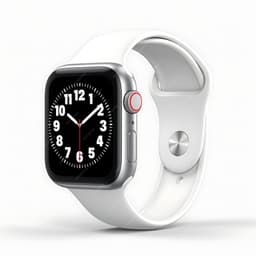
Apple Watch Series 11
Lost your $399 Apple Watch Series 11? EarBuddy detects its Bluetooth signal even when Find My can't connect. Track it down with real-time BLE scanning.